What is an AI-enabled company?
Most businesses do not need to rebuild from scratch. AI-enabled is the practical starting point. Here is what it looks like with real examples.
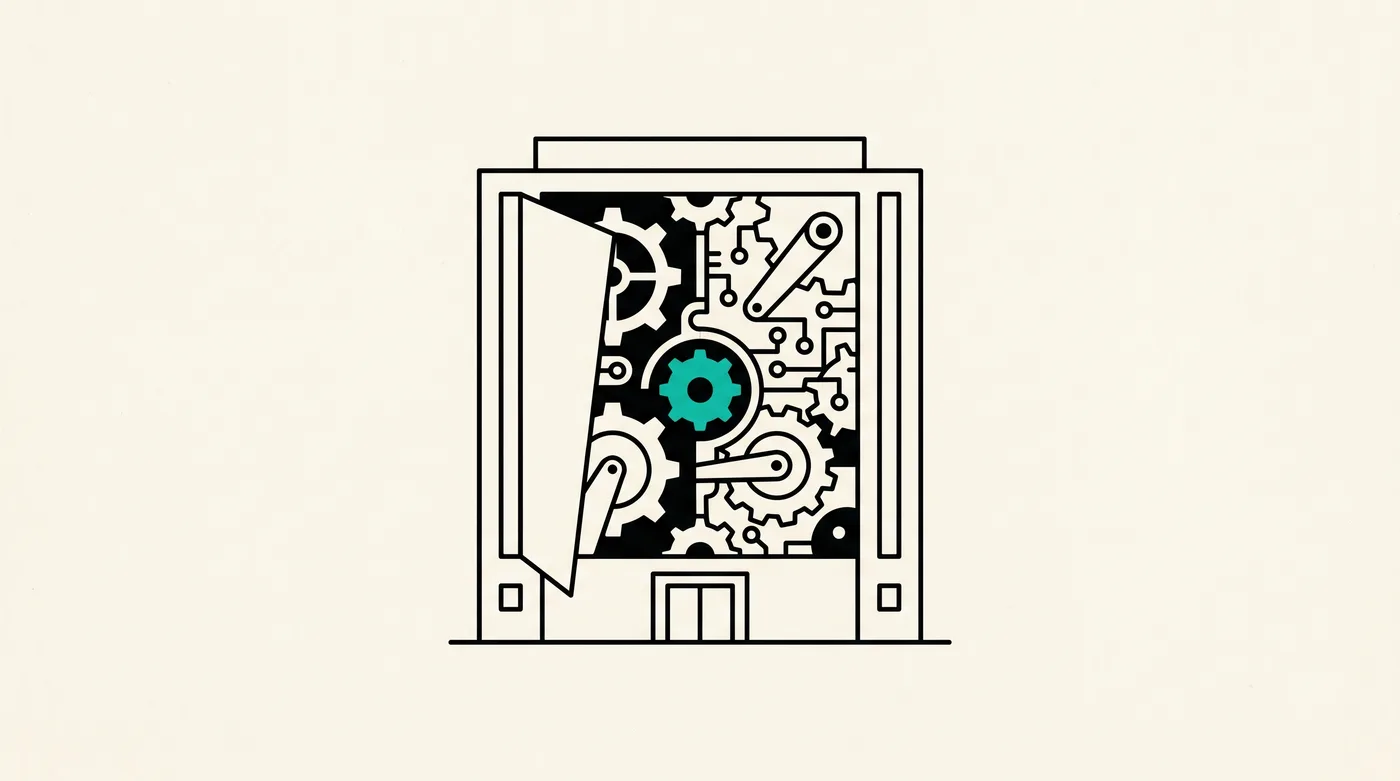
- AI-enabled means an existing business gets smarter without a rebuild. AI sits next to the workflow, not under it.
- The common patterns: copilots, drafts, summaries, retrieval, classification, anomaly detection.
- Most SMBs and mid-market companies should aim for AI-enabled first. The payback is fast. The risk is low.
- A gym, a CA firm, and a salon walk through what AI-enabled looks like in practice.
"AI-enabled" is the quieter cousin of "AI-native." Less hype. More money. For most businesses running today, becoming AI-enabled is the right first move — and frequently the only move you need.
Here is what AI-enabled actually means, how it compares to alternatives, and three illustrative shapes drawn from how we designed our own products.
The working definition
An AI-enabled company is one where existing workflows, products, and teams have been augmented with AI capabilities. The workflow still works the way it did before. AI just removes the boring, repetitive, or cognitively expensive parts. Humans stay in charge of the decisions that matter.
Think of it as the AI version of a power tool. The carpenter still cuts the wood. The saw just makes the cut faster and straighter.
The spectrum
Most businesses sit on a four-stop spectrum:
- AI-curious. Leadership talks about AI in meetings. Nothing has changed in the actual workflow yet.
- AI-experimenting. One or two teams have ChatGPT subscriptions. They use it ad hoc. There is no integration with the rest of the stack.
- AI-enabled. AI is integrated into specific workflows. The right people use AI in the right places. There is observability, governance, and an off-switch.
- AI-native. The workflow itself was redesigned around AI. (See our AI-native guide.)
Most operators we talk to are at stop 1 or 2 and aim for stop 3. Stop 4 is for greenfield products and full rebuilds.
Six AI-enabled patterns that pay for themselves
1. Copilots
An AI sits inside the tool your team already uses (CRM, ticket system, design tool) and offers drafts, suggestions, and shortcuts. The human stays in control. Adoption is gentle. Quality lifts visibly within weeks.
2. Drafts
AI writes the first version of repetitive outputs — email replies, social posts, proposals, contracts, follow-ups. A human reviews and ships. The time saved on those task categories can be substantial — most published case work points to 60-80% reductions, though every business is different.
3. Summaries
AI compresses long inputs (customer calls, support transcripts, ticket histories, document trails) into action-oriented summaries. Decision-makers stop reading. They start acting.
4. Retrieval
AI answers internal questions from your own documents, wiki, CRM, and product database. Onboarding gets faster. Repetitive support tickets fall. The "where is that file?" question disappears.
5. Classification
AI tags, routes, and prioritises incoming things — tickets, leads, invoices, returns, emails. The team works on the high-value 20% instead of triaging the whole pile.
6. Anomaly detection
AI watches the numbers — daily revenue, churn rate, support volume, expense categories — and flags the weird ones. The accountant catches the duplicate invoice before filing. The founder catches the support spike before it becomes a crisis.
Three illustrative shapes
We are early — we do not have customer case studies to publish yet. So instead of pretending to have them, here are three plausible "before / after" shapes drawn from how we designed our own products. The numbers below are design targets, not measured outcomes.
The gym shape (where XWFit fits)
Before AI-enabled: the front-desk team manually calls members whose membership is expiring. Some calls happen too late. Churn is the silent killer.
After AI-enabled: AI flags members likely to lapse 14 days out. It drafts a renewal message in the gym's voice. The front-desk team approves with one tap, and the message goes out. The expectation is a meaningful drop in late renewals and a meaningful drop in time spent on the phone.
This is the pattern we ship inside XWFit.
The CA firm shape (where XWFin fits)
Before AI-enabled: clients send bills and receipts as a chaotic mix of WhatsApp photos, emails, and folders. The CA team types entries into accounting software. GST filing season eats weekends.
After AI-enabled: receipts are OCR'd by AI. Categories and GST rates are auto-applied. Anomalies are flagged before filing. Client communication lives in one shared portal, not five WhatsApp groups. The expectation is a CA firm that scales its client book without scaling headcount.
This is the pattern inside XWFin.
The salon shape (where XWGlow fits)
Before AI-enabled: walk-ins are unpredictable. Promotional content is sporadic. The owner spends an hour every Sunday trying to write Instagram captions.
After AI-enabled: AI drafts captions in the salon's voice using its own past posts as reference. Promotional campaigns are queued in advance and approved in batches. AI-driven discovery boosts new-customer arrivals on slow days.
Exactly what XWGlow is designed to do.
What AI-enabled is not
Three things AI-enabled is decidedly not:
- Not a chatbot. A help-page chatbot that nobody uses is AI-decoration, not AI-enabled.
- Not an "AI strategy" deck. If a consultant gave you a 60-slide AI roadmap and zero shipped automation, you are still AI-curious.
- Not a rebuild. If a vendor's "AI-enabled" pitch requires you to migrate off your current stack, ask why. Usually it is their stack, not your strategy.
How to start (without the consulting bill)
- Pick one workflow that eats 5+ hours of staff time a week.
- Find an AI-enabled tool or build that fits that workflow specifically.
- Run it for four weeks. Measure hours saved, errors caught, customer-facing improvement.
- Decide whether to roll it out further, scrap it, or fork it.
- Repeat with the next workflow.
This is how we recommend operators become AI-enabled. No two-month discovery deck. No rebuild. Just one workflow at a time, with real numbers at the end.
What this means for you
- If you have a working business, aim for AI-enabled first. Save AI-native for the next green-field product.
- The fastest way to start: pick one of our vertical products if your industry is covered, or talk to us about a custom build if not.
- Take the AI readiness checklist first to know where you stand.
And if you want a second opinion on your specific situation, book a 30-minute call. No deck. No SDR. A real engineer on the call.
Related from the blog

What is an AI-native company?
AI-native is more than a buzzword. We unpack the five real characteristics, how AI-native companies operate day to day, and what it takes to become one.

AI-native vs AI-enabled: which one are you?
A side-by-side, a decision tree, and a quick test. Pick the right path before you spend three months building the wrong AI strategy.
AI automation use cases for small business (2026 guide)
Twelve concrete use cases, one per industry. The pain, the AI fix, what you should measure. Practical, not hypothetical.
Talk to a real engineer.
A 30-minute call. We will tell you honestly whether AI is the right fix and what it would take.